Sumo Smash
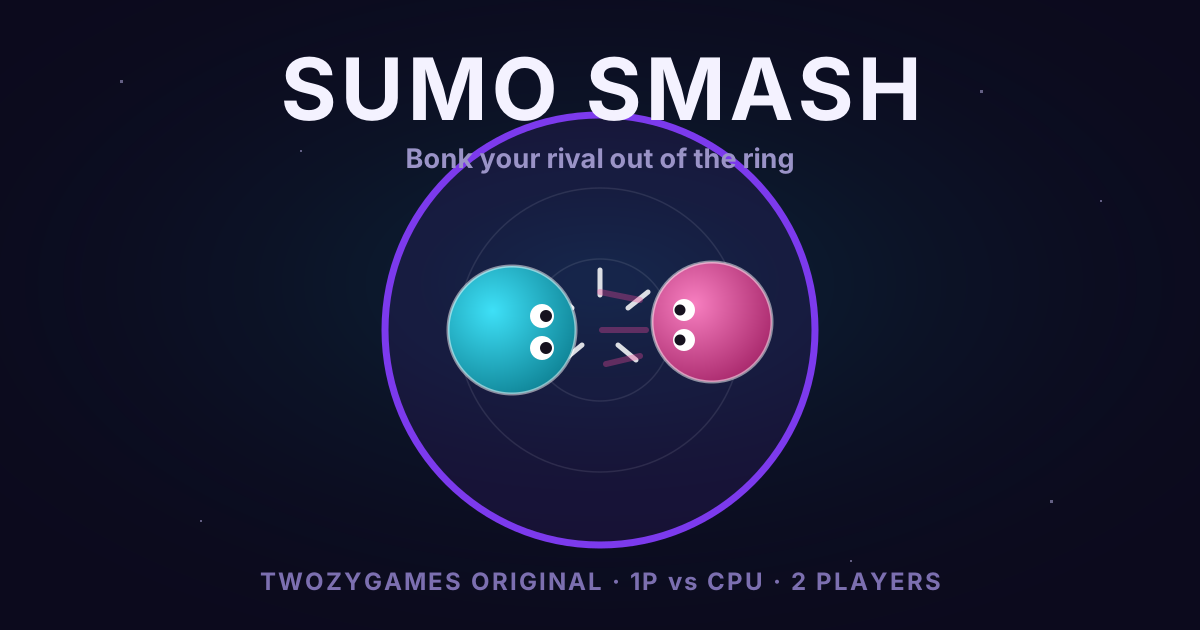
ORIGINALBonk your rival out of the ring.
🎮 1 Player (vs CPU)
Move: Arrow Keys · Dash: Space
👥 2 Players (one keyboard)
P1: WASD + Space · P2: Arrow Keys + /
In-game: P pause · M sound · R restart · Esc menu · pick difficulty on the title screen.
Free · No download · No account · An original game made by TwozyGames.
🎮 About This Game
Sumo Smash is a physics arena duel we built from scratch for TwozyGames: two glowing sumo balls, one shrinking circle of neon, and a single goal — bonk your rival out of the ring before they bonk you. Every round is a burst of pushing, feinting and perfectly-timed dashes, and the first player to take 5 rounds wins the match. What makes it tick is the collision physics: every impact bounces both players, so charging in recklessly is just as likely to send you flying as your opponent. Four stages change the rules of engagement — Classic is a straight duel, Shrink slowly closes the ring around you, Bumpers drops two pillars into the arena that punish sloppy movement, and Ice cuts your grip so momentum becomes king. Play solo against a CPU with three genuinely different difficulty levels, or grab a friend for a same-keyboard 2-player match.
🎯 How to Play
Steer your sumo with the Arrow Keys and dash with Space (in 2-player, Player 1 uses WASD + Space and Player 2 uses Arrow Keys + /). Push your rival past the glowing ring edge to take the round; first to 5 rounds wins the match. Dashing gives you a burst of speed and much heavier impacts, but it has a cooldown — the white ring around your sumo shows when it's recharging. On the title screen, press D to cycle CPU difficulty, S to cycle the stage, and 1 or 2 (or Space) to start. During a match: P pauses, R restarts, Esc returns to the menu.
💡 Tips & Strategy
- ▸Push outward, not just forward. Collisions bounce both players, so attacks only pay off when your rival is closer to the edge than you are — circle first, then strike along the line that sends them out.
- ▸Dash on contact, not on approach. A whiffed dash leaves you sliding with no steering and your cooldown spent; wait until you're almost touching, then dash through them.
- ▸After any big collision, steer back toward the center before re-engaging. Most lost rounds come from trading hits while drifting edge-side.
- ▸On Shrink, holding the center early is worth more than landing hits — let the closing ring do the pushing for you.
- ▸On Ice, momentum barely decays. Accelerate in short taps and never start a shoving contest while you're sliding backward.
- ▸The Hard CPU guards the center and saves its dash for when you're edge-side. Feint toward the edge, cut back sharply, and it will often dash past you into open space.
🛠 From the Devs
Sumo Smash was the first game we built for our originals lineup, and the core design call was making collisions symmetric: the attacker eats the same bounce as the defender. That one rule turns a button-masher into a positioning game. The CPU doesn't cheat — it has a reaction delay, aiming noise, and (on Easy) deliberate mistakes, so beating Hard means genuinely out-positioning it, not out-clicking it. The whole game is a single self-contained file with zero downloads, tracking, or external assets.
❓ Frequently Asked Questions
Can I play Sumo Smash alone?
Yes — Solo mode pits you against a CPU sumo with Easy, Normal and Hard difficulty. Easy is designed to be beatable while you learn the ring; Hard actively guards the center and punishes edge-side mistakes.
How do the two players share one keyboard?
In 2-player mode, Player 1 moves with WASD and dashes with Space, while Player 2 moves with the Arrow Keys and dashes with /. The keys are on opposite ends of the keyboard, so two people fit comfortably side by side.
Do I need to unlock the stages?
No. All four stages — Classic, Shrink, Bumpers and Ice — are free from the start. Press S on the title screen to cycle through them before a match.
More original games
📖 Related Guides
 Guide
GuideSumo Smash Strategy Guide: Physics, Stages and How to Beat Hard
The complete strategy guide to Sumo Smash, written by the people who coded it: how the symmetric collision physics work, dash timing, stage-by-stage tactics for Shrink, Bumpers and Ice, and how to beat the Hard CPU.
Read more →PicksTwozyGames Originals: Free 2-Player Browser Games We Built Ourselves
Meet the games we designed, coded and playtested in-house — free, instant, no downloads, and playable solo vs CPU or as same-keyboard 2-player duels.
Read more →InfoBehind the Code: How (and Why) We Built Our Own Browser Games
One file per game, physics that punish greed, and a CPU that isn't allowed to cheat — the design rules behind the TwozyGames Originals, and what playtesting taught us.
Read more →