You've got one laptop and two people. You don't want to buy controllers, install Steam, or set up Parsec. You just want to play together right now. That's exactly what same-keyboard browser games solve — and this guide walks you through how to get set up in under a minute.
Most 2-player browser games support a split WASD / Arrow Keys layout out of the box. That's the convention we'll cover first, then we'll get into ergonomics, troubleshooting, and our top recommended titles.
The Standard Control Layout
Nearly every 2-player browser game uses this setup:
Player 1 (left side of keyboard):
- W = up / jump
- A = left
- S = down
- D = right
Player 2 (right side of keyboard):
- ↑ = up / jump
- ← = left
- ↓ = down
- → = right
Some games add extra keys — Space, Shift, Enter, F, K — for special actions like attack, slide, or item use. The in-game instruction screen tells you which.
Ergonomics That Actually Matter
Sit side by side, not stacked. Both of you want a clean reach to the keyboard half you own. If one person leans over the other's shoulder, the session gets uncomfortable fast.
Use a full-size keyboard if you can. Laptop keyboards are cramped for two; the Arrow Keys are often mashed up against the edge. An external USB or Bluetooth keyboard fixes this for $20.
Angle the keyboard. A slight tilt toward each player's side helps both of you reach the middle keys naturally.
Raise the screen. If you're using a laptop, its default height is designed for one person looking straight down. Put it on a stack of books so both players can see comfortably.
Troubleshooting Stuck Keys (Key Rollover)
Cheap and many laptop keyboards can only register a limited number of simultaneous key presses. This is called key rollover, and it's the most common reason same-keyboard games "feel broken."
Symptoms: your character stops moving when the other player attacks, or jump stops working mid-combo.
Fixes, in order:
1. Press fewer keys at once. If both players are holding 3+ keys simultaneously, that's the problem. Try to release direction keys briefly when mashing action keys.
2. Swap to a different keyboard. Mechanical keyboards almost always have full n-key rollover. Most modern USB keyboards support at least 6KRO.
Our Top Same-Keyboard Recommendations
Best for beginners: Volley Bean — the publisher lists three keys each to move and jump, plus one dunk key.
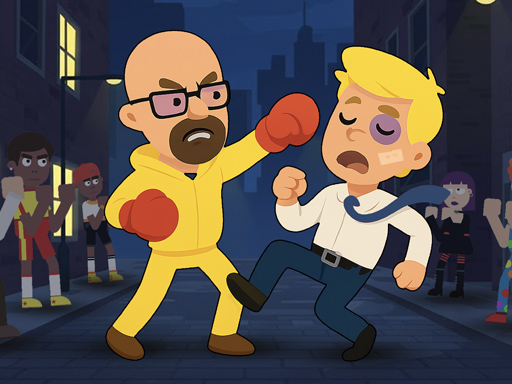
Best for fighting fans: Drunken Fighters — ragdoll physics and just three keys each: defend, kick and punch.
Best for one-key play: Slicer Duo — each player flips their own knife with a single key, Up Arrow or W. No combos to learn.
The Games We Built for One Keyboard
Since this guide was first written, we built our own games — and every one of them is same-keyboard 2P. They all share one layout: Player 1 on WASD, Player 2 on the Arrow Keys. Learn it once and every game of ours feels familiar. Each game prints its own action keys on screen while you play.
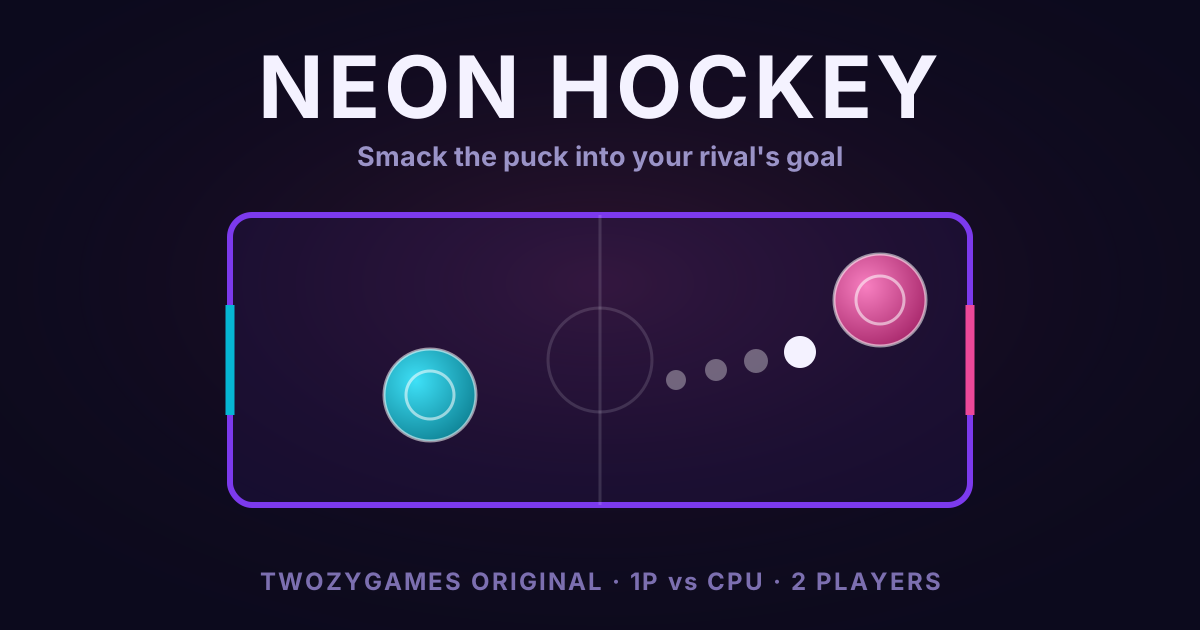
Neon Hockey is air hockey with glow. Pure movement, no action key at all — a perfect first same-keyboard game.
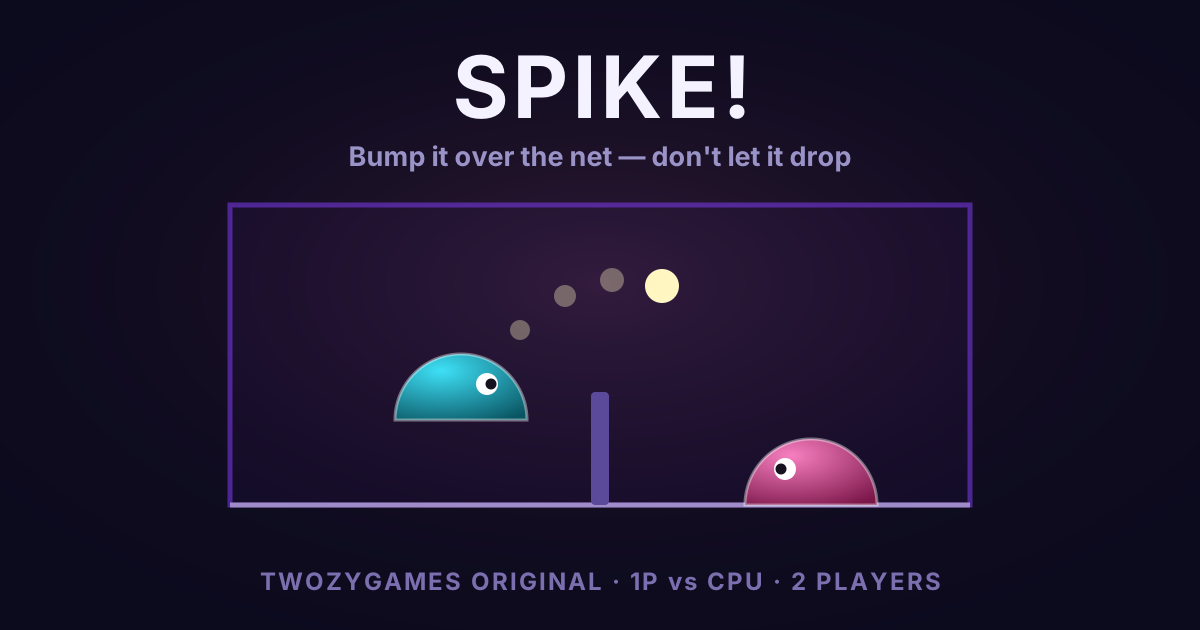
Spike is 2-player volleyball. Move with your half of the keyboard, jump into the ball to spike it over.

Wake is a racing duel with two keys per player: lane up, lane down. The fastest seat is second place — sit in the leader's slipstream, charge, and sling past.
Every one of them also plays solo against the CPU. Browse the full lineup on our originals page, or start from the same-keyboard collection.
No Second Keyboard? Use One Phone
Most of our originals also work with two players on one phone. The screen splits into two halves, and a joystick appears under each player's thumb. Racing games use button pads on opposite edges instead, so you sit facing each other. Turn-based games just pass the phone. See our mobile browser games guide for the phone-first picks.
Pass-the-Device Alternative
If sharing a keyboard feels too cramped, turn-based games let you pass the laptop back and forth. Try  Match Fighter, a match-3 fighting game where, the publisher says, you take turns with your opponent.
Browse all our 2-player games or see our top 10 picks to find your next favorite.