Your phone's storage is full, the app store wants you to sign up, and you just want to play something for 10 minutes. Mobile browser games solve that — they load straight into Chrome or Safari on your phone, run instantly, and take almost no storage. No account and no app to install.
Built for phones, by us
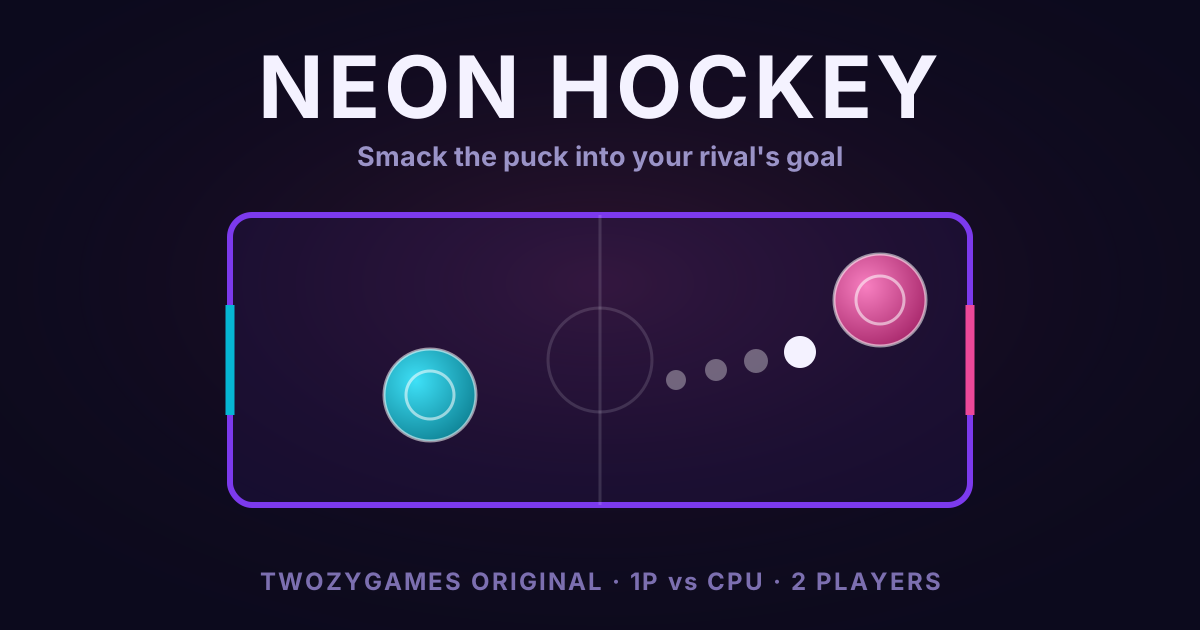
Since this list was first written, we built our own games. They are made for a phone first. Most of them let two people play on one phone at the same time. Here are four to start with.

Skip is one button. Hold your half of the screen to aim, release to hop. Two players share one phone, one half each.

Flock has no button at all. You herd sheep with a stick on your edge of the phone. Your rival has the other edge.

Sluice is two taps: upper band for up, lower band for down. Each player gets half the screen and reads the same gate clocks.

Vector is turn-based. You pass the phone and tap where your car goes next. Nothing moves until you tap.
If one phone for two people is the thing you are after, the couples collection and the same-device collection are sorted for it.
Below are our 10 best free mobile browser games for 2026, hand-picked from titles flagged as phone-friendly. Every pick below is marked with the 📱 badge across our site.
If you want the fastest way to check whether mobile browser gaming works on your device, load 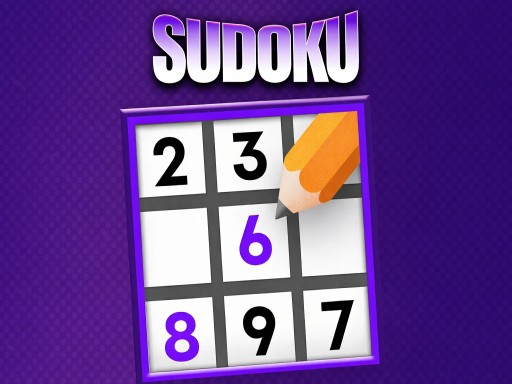 Sudoku in Chrome — it's the simplest test and the most universally useful pick on this list.
1. Sudoku — the universal mobile classic 📱
The timeless logic puzzle: tap a cell, then pick a number. Choose a difficulty level, and the publisher says progress saves automatically. Our #1 recommendation for a commute, a waiting room, or anyone new to mobile browser gaming.
2. Motorcycle Racer: Road Mayhem — traffic-dodging bike racing 📱
Ride through city streets and highways without crashing into other vehicles. The publisher lists touch controls on a phone and the arrow keys on a computer. Buy and upgrade motorcycles, each with its own handling, and try to win every level.
3. Just Ludo — the dice board classic 📱
The tabletop dice board game: roll the dice and race your pieces to the finish first. Turn-based pacing suits a phone. Great for multi-generational players.
4. Daily Match — link the pairs against the clock 📱
Link matching pairs of picture tiles before time runs out, then move up a level. A good morning-coffee game with a satisfying clear-the-board loop.
5. Paint Rush — satisfying completion game 📱
Swipe up, down, left and right to paint every white space in a level. Almost no reading required, one-thumb controls, satisfying color-fill feedback. Works for all ages, especially good for younger players.
6. Lingo Dreams — learn English by matching words 📱
A relaxing word game for learning English. You match words in your own language to their English pairs to clear each level. The publisher pitches it at beginners and kids.
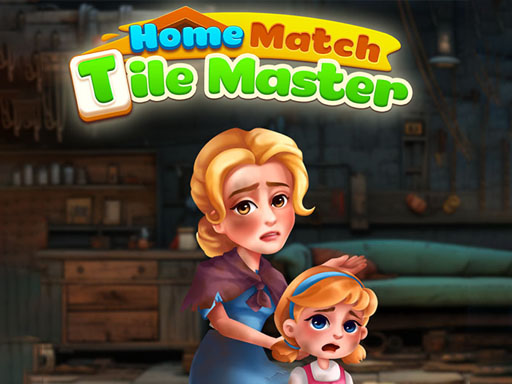
7. Home Match: Tile Master — triple-match tile puzzles 📱
Match tiles in threes until the board is clear, then move on. The publisher promises a large number of levels and warns that some are hard.
8. Marathon Race io — a runner that levels up 📱
Despite the .io in its name, this is a solo game. You run, collect bonuses, and upgrade your runner's speed and stamina as you go. Its touch-or-click controls make it a good fit for a phone.
9. Real Drive 3D — sim-leaning driving 📱
A car simulation game with on-screen controls for phones. Start in an SUV and unlock new vehicles as you play through different levels.
10. Guess The Italian Brainrot Animals — viral party pick 📱 (2P)
Ride the Italian brainrot meme wave with a casual guessing game. It works solo on a phone. The publisher also lists a two-player mode, which we have not tested on one phone. Weird, fun, and oddly addictive. Not everyone will get it, which is part of the appeal.
How Mobile Browser Games Compare to Apps
No install = no storage hit. Apps fill up your phone's storage. Browser games take almost none. Close the tab and it is gone.
No permissions. A native app asks for your contacts, location, and photos to run a puzzle game. Browser games ask for nothing.
No update prompts. The game you play tomorrow is the same URL you played today. Updates happen server-side.
Same URL, every device. Play Sudoku on your laptop at lunch, open the same URL on your phone on the bus, and the game loads identically.
Setup Tips for Best Mobile Experience
Use Chrome or Safari. Both handle HTML5 well on mobile. On iPhone, both usually use the same engine underneath, so switching rarely changes how a game runs. Other browsers work too, with the odd hiccup.
"Add to Home Screen." Both iOS and Android support this from the browser menu. You get a one-tap icon. Depending on your phone, it opens in the browser or in its own window. Nothing is installed.
Landscape for racing, portrait for puzzles. Rotate to match the game. Most auto-detect, but some need a manual flip.
Enable Do Not Disturb. A phone call kills a match instantly. Turn on DND / Focus before starting anything real-time.
See our Mobile Browser Games Guide for deeper setup tips, or browse all games and filter by the 📱 Mobile badge.