The classic Fireboy & Watergirl series built its reputation on one thing: games that are better when you're both thinking out loud. If that's what brought you here, you're in the right place. We've put together a guide to the best co-op browser games you can play today, plus the mindset that makes them click.
Co-op games are different from competitive 2-player titles. Nobody is trying to beat the other person. Both players share the outcome — win together, lose together, solve together. That changes how controls and pacing work, and it's worth understanding before you dive in.
What Makes a Great Co-op Browser Game?
Four things, in order of importance:
1. Split responsibilities. The best co-op games give each player a distinct role so you're not fighting over who does what. In  Red and Green Rainbow, only the green player can remove the lasers.
2. Fair failure. When one player messes up, the punishment should feel shared, not one-sided. Avoid games where a single mistake makes the whole run collapse — those turn into blame sessions.
3. Short loops. Co-op is at its best when rounds reset in seconds. You want to fail fast and try again, not reload a long save file.
4. Same-keyboard-friendly. One laptop, one WASD, one Arrow Keys. No extra controllers to hunt down.
Our Top Co-op Picks on TwozyGames
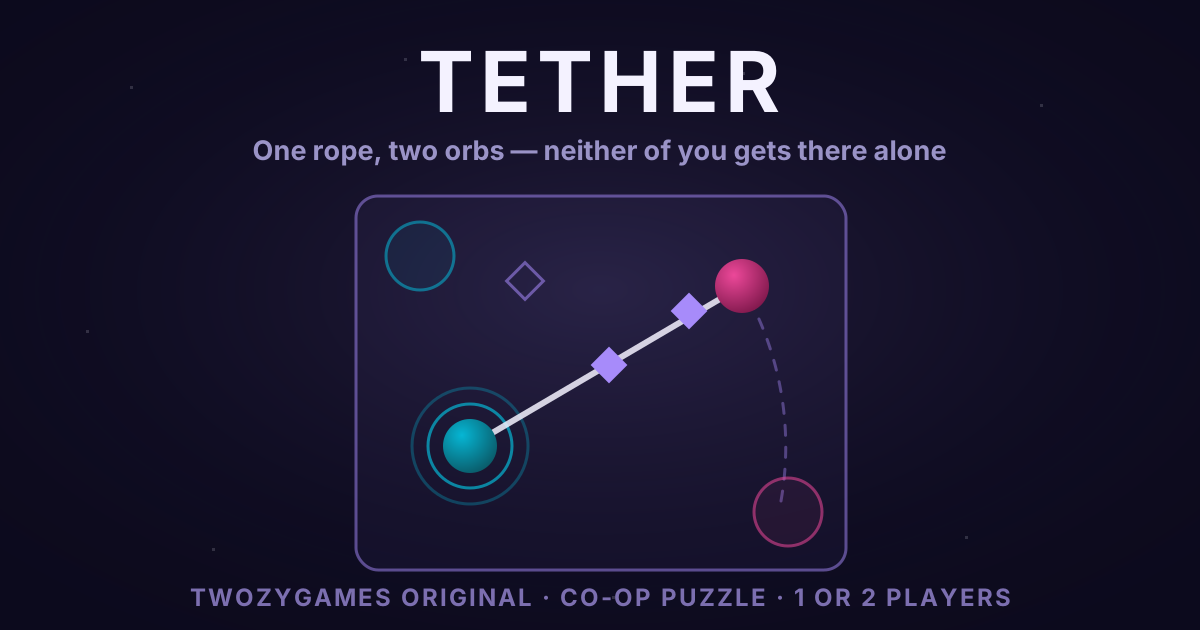
Tether — our own co-op puzzle, and the one game on this list we built ourselves. Two orbs share a single rope, and a level only ends when both are standing on their pads at the same moment. The nodes you have to light up respond to the rope, not to the orbs, so the whole game becomes a running negotiation about where the line between you goes.
Rescue Rangers — a co-op puzzle escape, and the closest thing to Fireboy & Watergirl in our catalogue. Two Rangers are trapped in a desert temple. They must work together and solve its puzzles to get out.
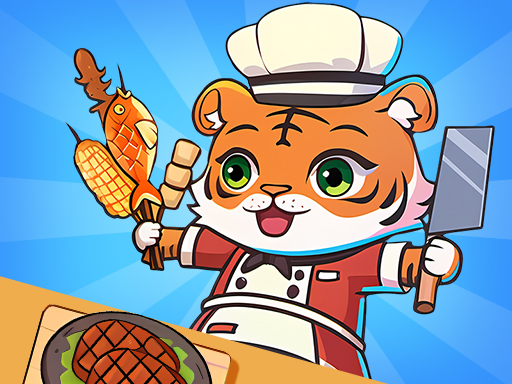
2 Player Games Kids Kitchen — cooperative cooking in a virtual restaurant. Don't be fooled by "kids" in the title; the publisher pitches it as collaboration and cooking fun, with several game modes.
Communication Tips That Actually Work
Call out what you're doing, not what's happening. "I'm going left" is more useful than "that thing is here." Your partner can see the screen too — they need to know your plan, not a description.
Accept early losses. You'll fail the first few rounds of any co-op game. That's the point. It's how you learn each other's reflexes.
Alternate who leads. Taking turns at deciding what to do next keeps the game fun for both of you. Constant leadership from one side burns the other side out fast.
Trying Co-op With a Partner Who Doesn't Play Games
Co-op is the single best onboarding format for a non-gamer partner — better than competitive multiplayer and better than solo play. A few practical pointers if that's your situation:
Start with single-task co-op, not split-task. Single-task co-op means both players are doing the same thing at the same time, just on different inputs. In Rescue Rangers, for example, both of you move and jump. Split-task means each player does a different job. Single-task is much easier to onboard because nobody has to remember a separate set of controls.
Don't take the keyboard. Even if you think you're "helping," reaching across to fix the other player's mistake teaches them that they can't play. Let the round fail. Co-op fails build co-op confidence.
Pick a short loop first. A 30-second round that resets cleanly is much better than a 5-minute level where a single mistake forces a restart. A Tether level starts again the moment an orb falls, which makes it a good first pick.
Pause and chat. One of the underrated parts of co-op gaming is that it gives you a shared topic to talk about that isn't work or chores. Take the natural breaks the game gives you — the round-over screens — and actually use them.
When to Stop
Co-op is more tiring than solo gaming because you're juggling conversation and controls. 30–45 minutes is a good session length. Save the "just one more level" impulse for solo games.
Ready to start? Pick one of the three games above, grab your partner, and load up the game page. All three are free, no downloads, and run instantly in the browser.