Search for two-player browser games and you will find hundreds. Search for co-op browser games and the list collapses. That is not an accident of our catalog; it is a fact about how these games get made. A versus game only needs one screen and one symmetric rule set — give both players the same verbs, point them at each other, and you are done. Co-op needs a reason two people are better than one, and inventing that reason is the entire design problem.
So this list is deliberately short. Every game below is genuinely cooperative on one device: a shared goal, and both players actually required to reach it.
What did not make the list
Plenty of our 2-player games look co-op and are not. The obby racers put you on the same course but score you separately. The brainrot heist games hand you a shared arena so you can rob each other in it. Splitting a keyboard is not co-operating — if one of you can win, it is a versus game with a friendly mood.
1. Tether — the one where you are physically attached 🧩
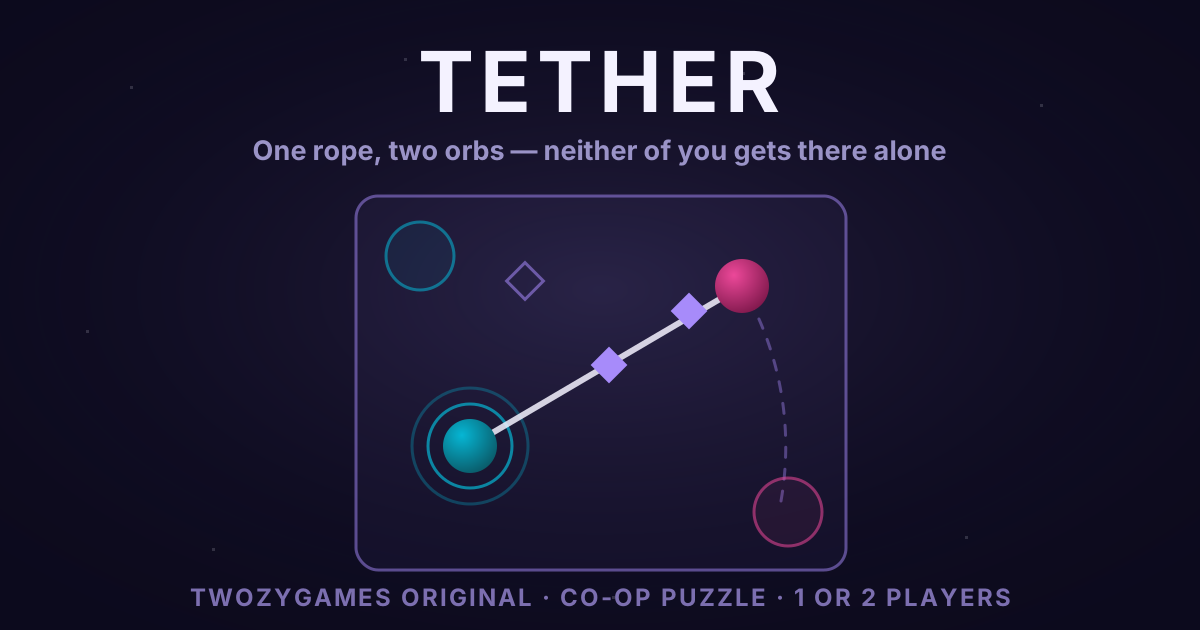
Two orbs joined by a rope with a maximum length, and both must be standing on their pads at the same time. The signature verb is anchor: hold still and you become a pivot your partner can swing around. The rope is a line drawn by two bodies, and it is the rope — never an orb — that lights the nodes, so you cannot solve it by driving over everything. Six levels, and solo drives one orb while the other trails on the line.
2. Beam — one of you cannot see the room 💡
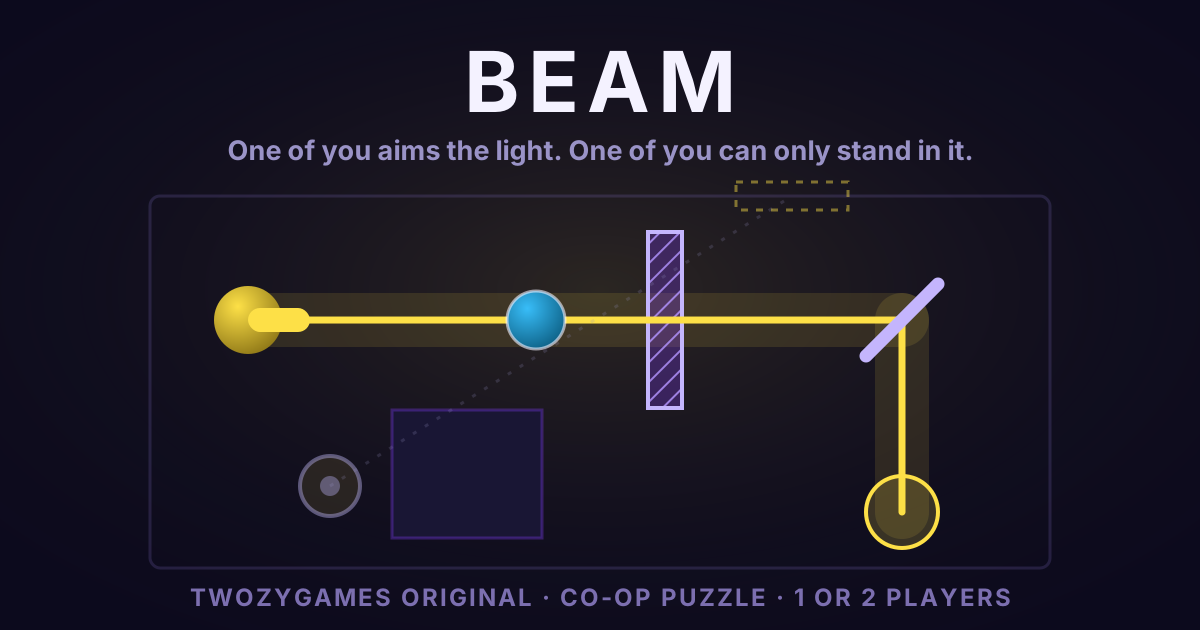
One player aims a beam that reflects off mirrors; the other can only stand where the light is. That asymmetry is the game: whoever can see where the light should go cannot move it, and whoever can move it is standing inside it. Only the walker turns mirrors, and only while lit, so neither of you can solve a level alone. Darkness is a two-second timer rather than a wall, which makes crossing a dark gap a decision instead of a mistake.
3. Color Gates — you can only take a colour from your partner 🔀
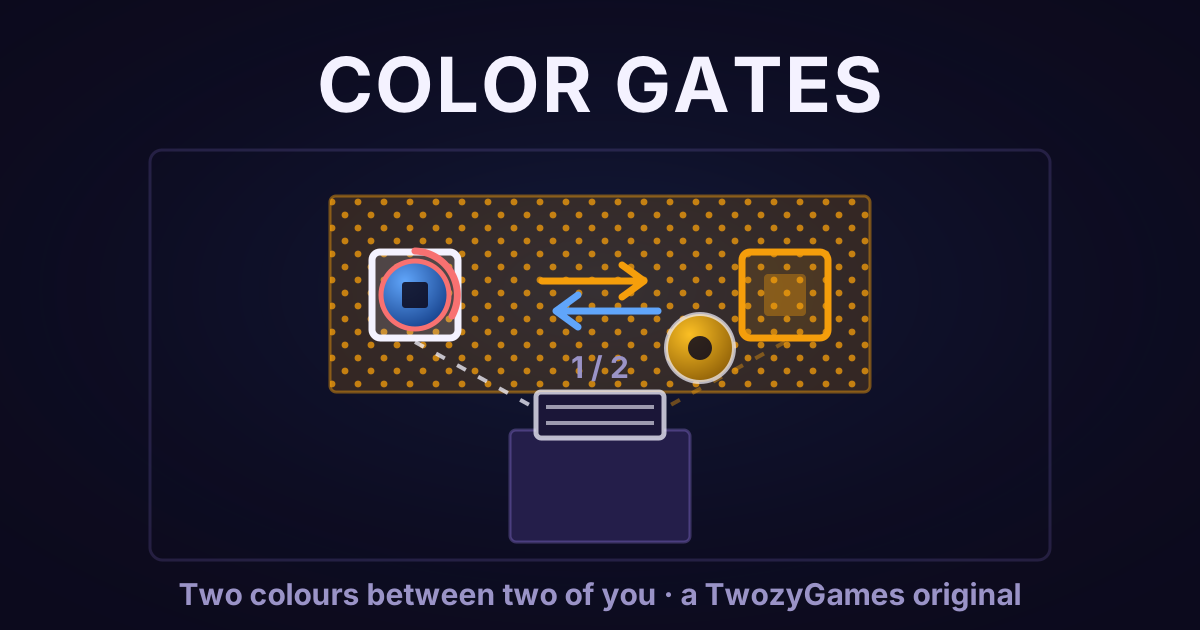
There are exactly two colours, one player is each, and the only colour verb is a trade that flips you both. You are safe on your own colour, you burn on your partner's, and grey — the only floor that heals — is scarce. Doors need two pressure plates held by the same colour simultaneously, which only one of you can be, so somebody is always burning while a door charges. It is the one on this list you cannot take turns at.
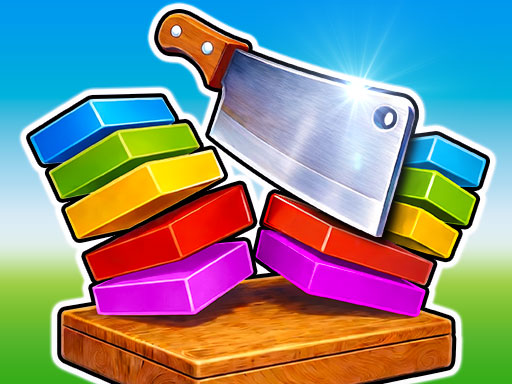
4. Slicer Duo — co-op with a rhythm 🔥
Two knives, one set of rhythm-based stages, and a shared fail state. Both players keep their blade moving through the same level, so a mistimed swing costs both of you the retry. It is the most relaxed pick here and the easiest to hand to someone who does not play games.
5. 2 Player Games Kids Kitchen — the division-of-labour one 👨🍳
A restaurant where each player takes different stations — cooking, prep, plating, serving — and orders arrive faster than one person can handle. The co-op is logistical rather than mechanical, which makes it the friendliest option for playing with a child.
Playing on one keyboard
All five run on a single keyboard with Player 1 on WASD and Player 2 on the arrow keys. If you have never shared a keyboard before, our same-keyboard setup guide covers seating, key overlap and the mistakes that make it uncomfortable. For a broader look at playing through something together rather than against each other, see our co-op browser games guide.